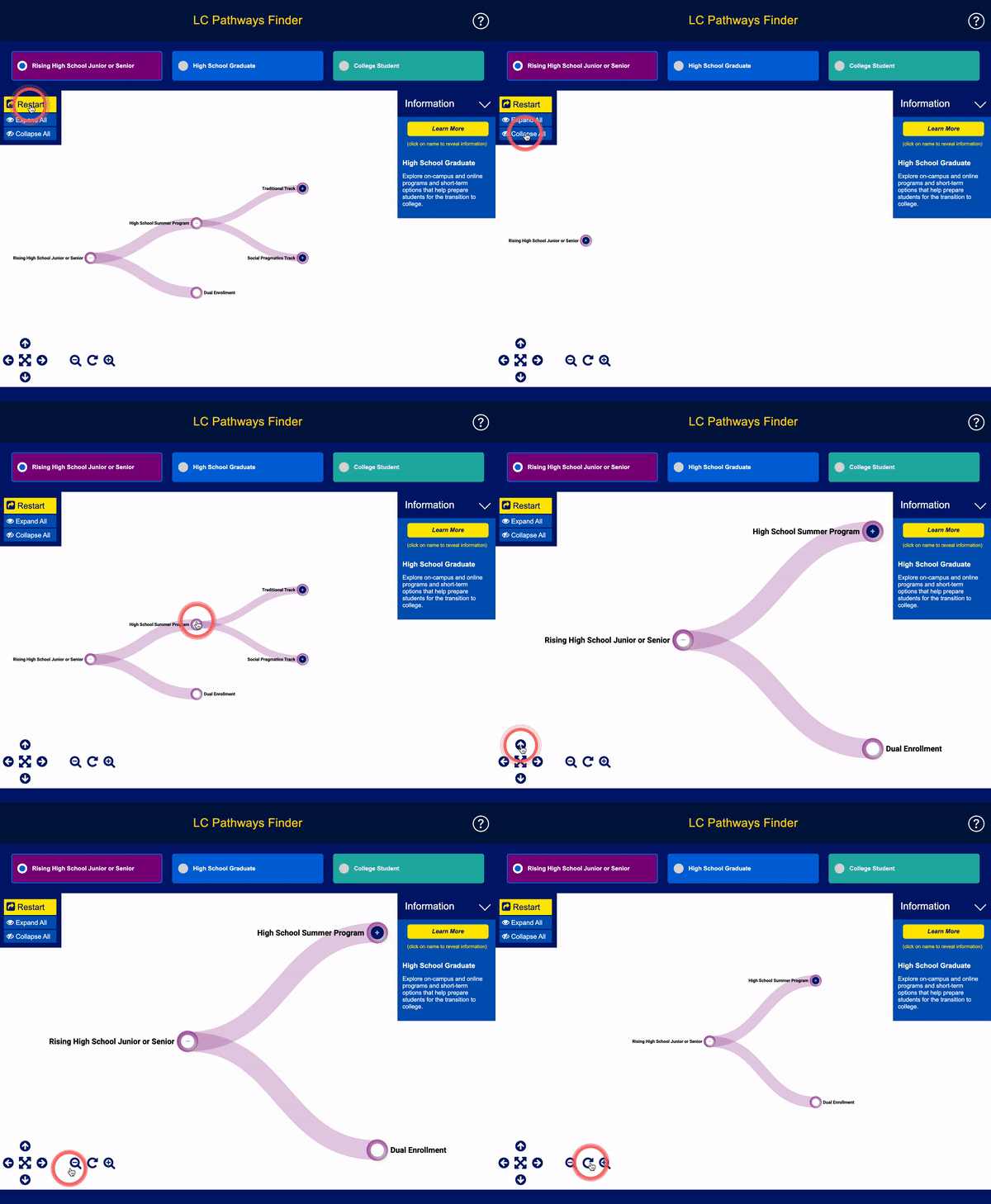
How it works:
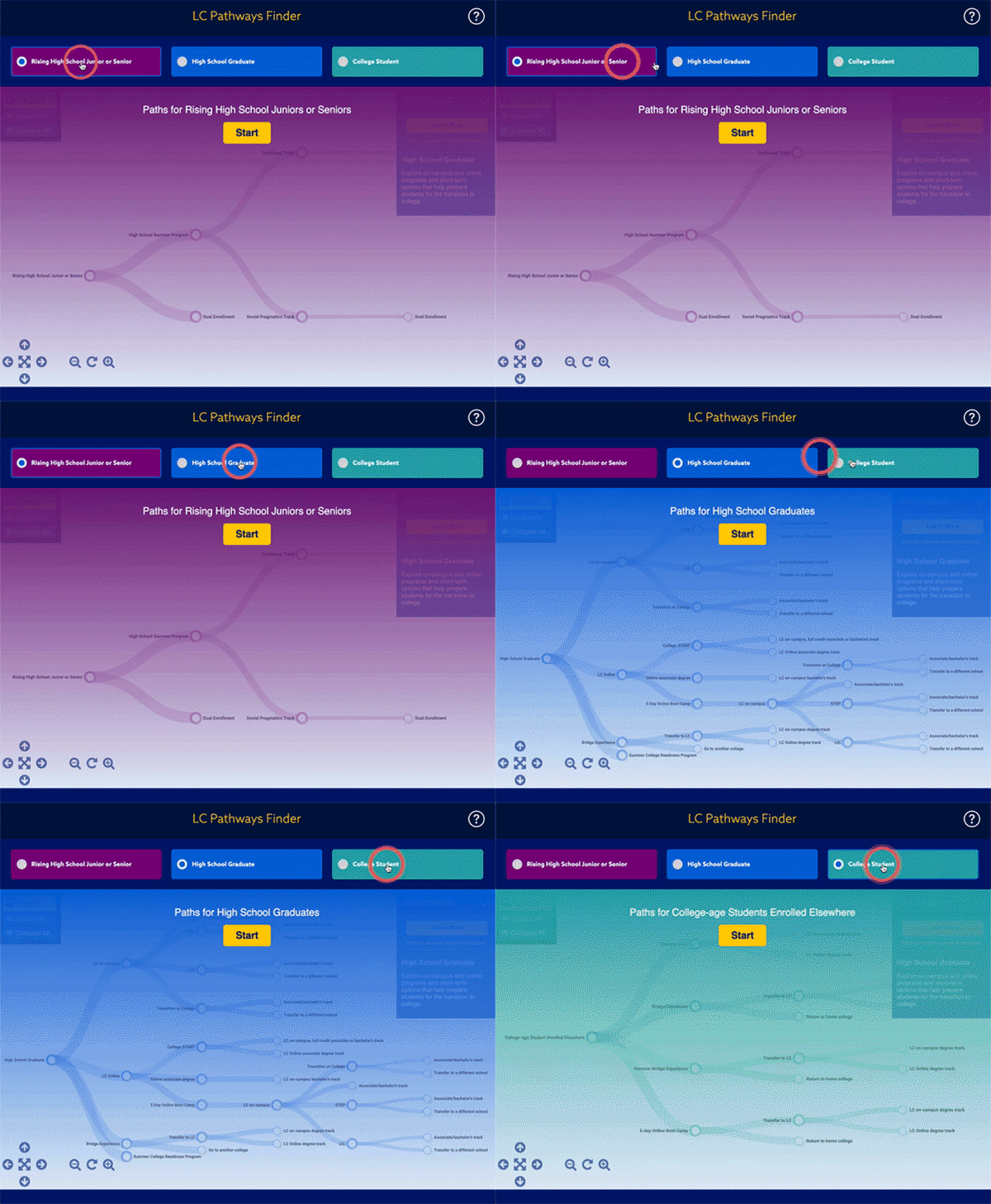
Step 1: Choose the "student type" at top that best describes you.
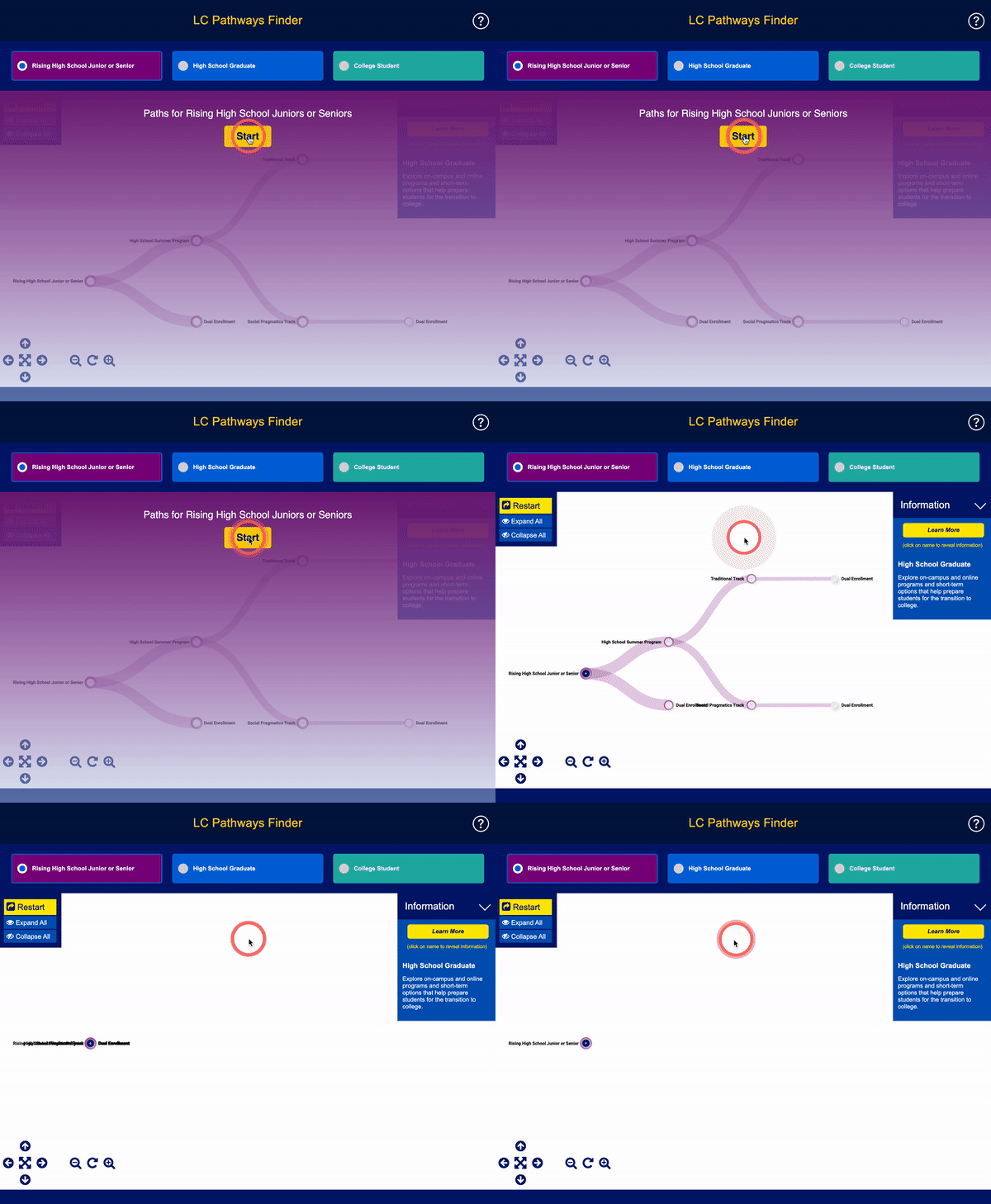
Step 2: Press the Start button.
Step 3: Click on the plus symbol "+" to reveal the paths.
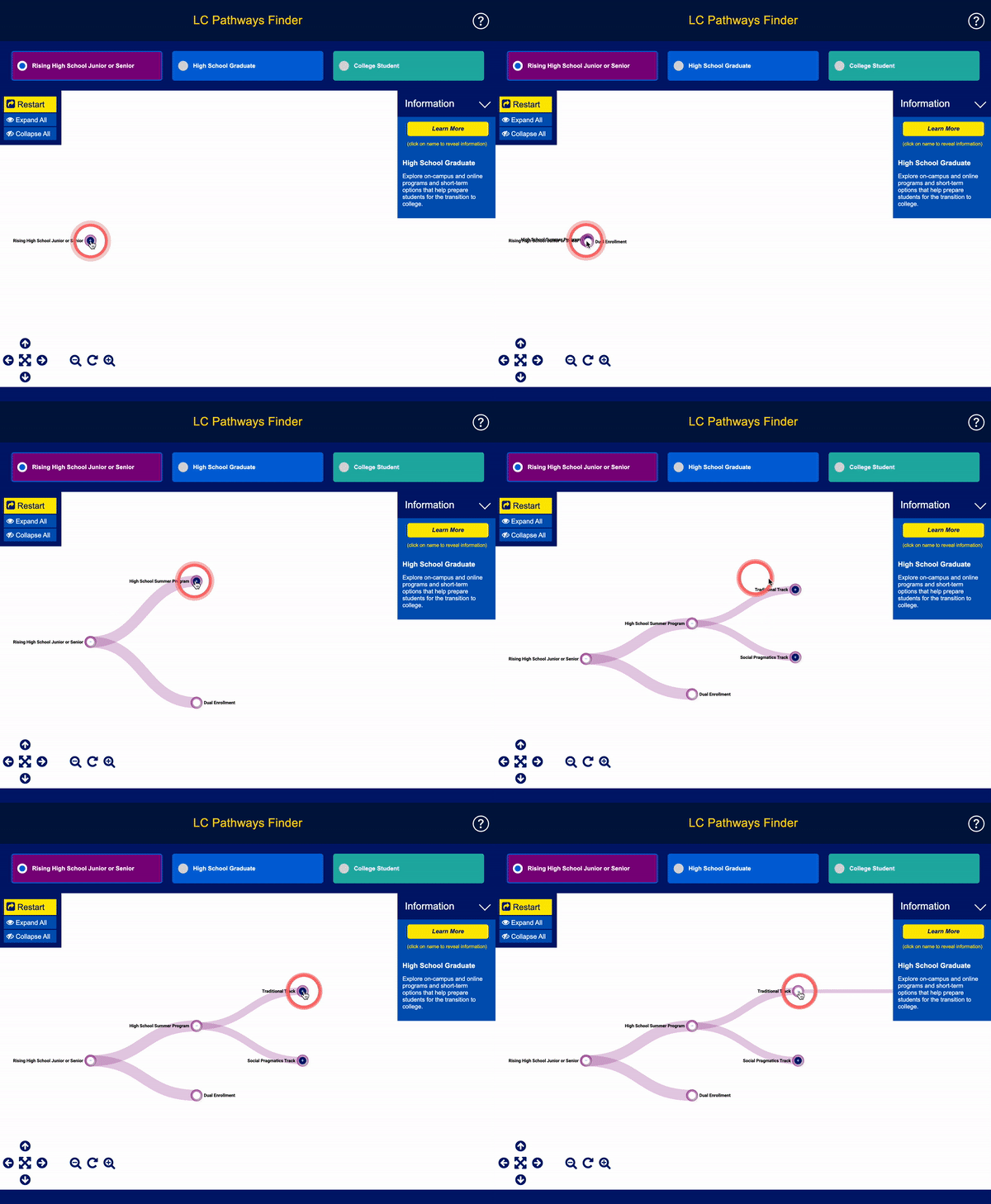
Step 4: Click on the name in each branch to read a short description.
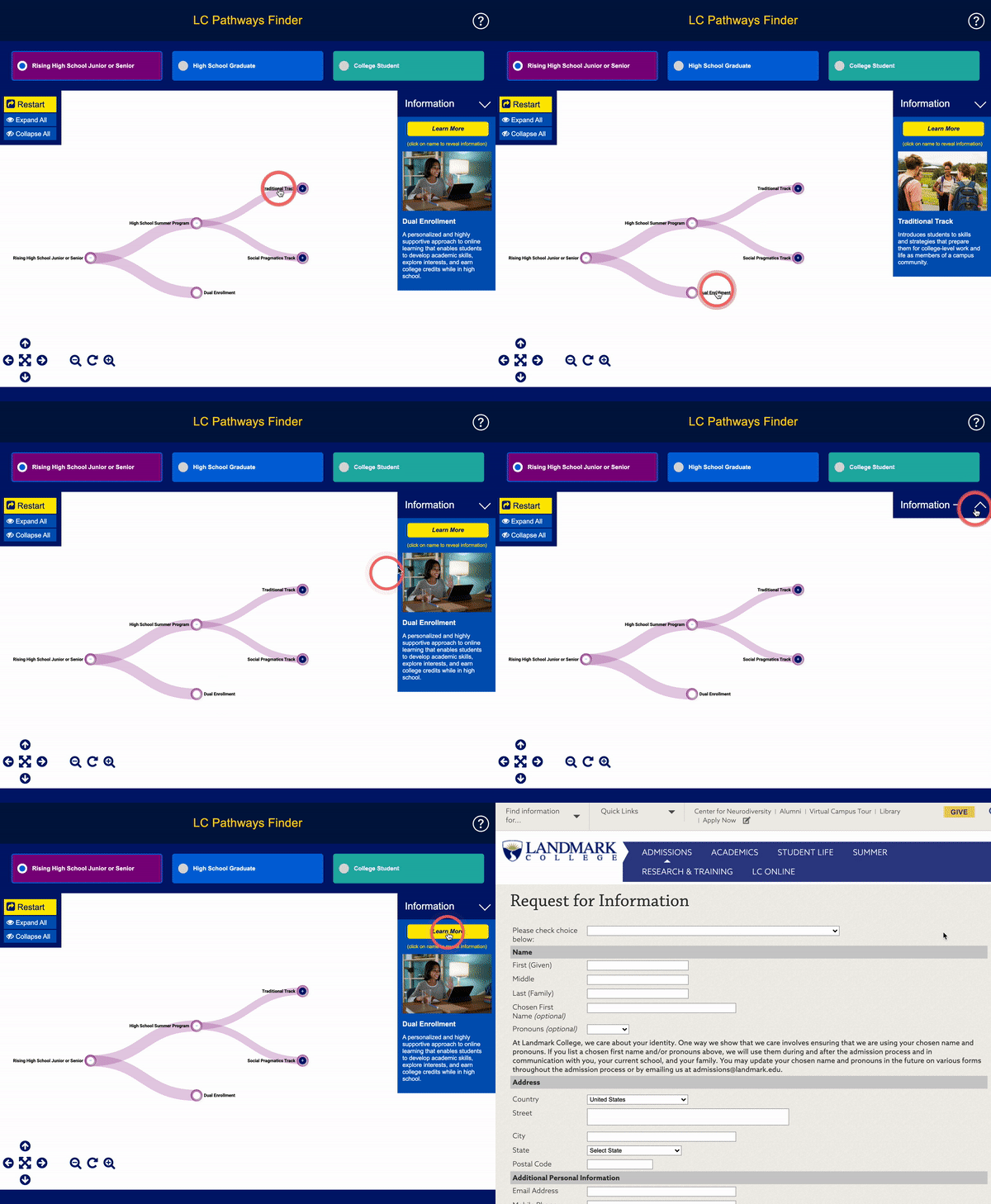
Step 5: Use the controls to adjust the tree view and position.